
KNX Push Button Selection: Functions, Feedback, and UX
Select a KNX push button by usable functions, rocker layout, status feedback, scene behavior, labeling, night brightness, and installation requirements.
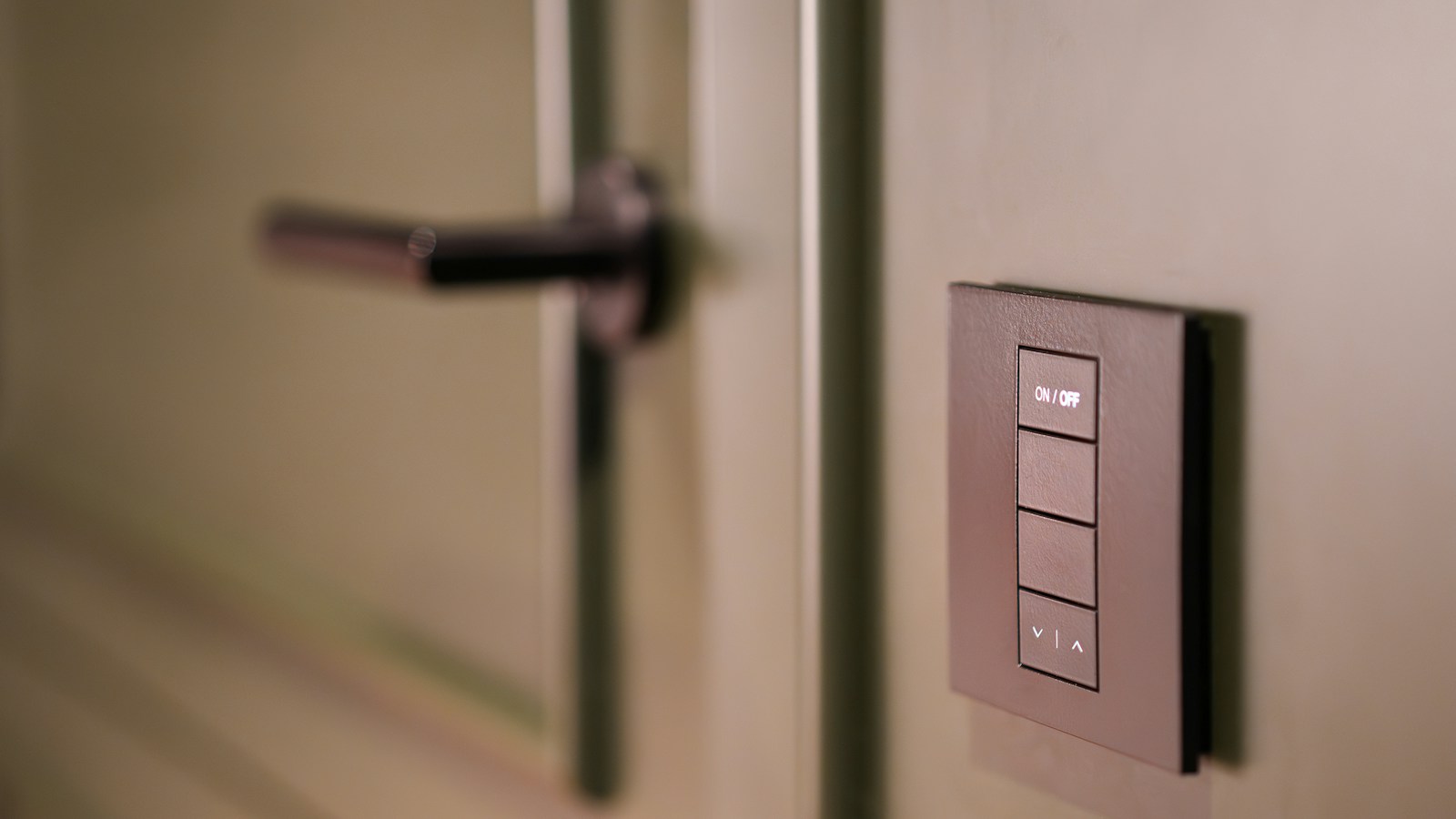
A wall control can support sixteen functions and still make it difficult to turn on the room light.
The problem is usually not missing capability. It is the gap between what the ETS application can assign and what a person standing at the door can understand. Short press, long press, double press, and multi-button gestures are useful tools. They are also places to hide everyday actions.
Choose a KNX push button by the visible actions the room needs, then check feedback, labeling, mounting, and application support. Count the actions a new user can find without instruction—not just the maximum number in the catalog.
Start with the doorway task
For each control location, write down the first thing a person is likely to do there. At an entrance it may be general lighting. At a bedside it may be reading light and room off. Beside a window it may be blind movement.
That exercise keeps a product comparison grounded. A large entrance station is not automatically better if its primary light control is mixed among HVAC, music, and scene-learning gestures.
Here is an illustrative four-rocker schedule for a small living room. It is a starting point for a mock-up, not a universal room standard.
| Rocker | Clearly labeled primary action | Optional hold action | Feedback meaning |
|---|---|---|---|
| 1: Main lights | Upper on / lower off | Brighter / dimmer | Defined lighting-group status |
| 2: Reading | Upper on / lower off | Brighter / dimmer | Reading-light actuator status |
| 3: Blinds | Up / down | Travel or step behavior agreed with actuator | Movement / lock indication if supported |
| 4: Scenes | Relax / room off | No hidden everyday function | Scene recalled, or verified scene state if implemented |
The blind interaction needs particular care: some applications use a short press for stop or step and a hold for travel. Confirm the actual sequence on a sample. A table that says “up/down” is not enough to configure it.
Compare the functions that the project will use
| Selection criterion | What to ask for | Why it matters |
|---|---|---|
| Physical layout | Rocker or individual-button behavior, tactile distinction | Users need to know where to press |
| Labeling | Engraving, replaceable inserts, symbols and language options | Function changes should remain understandable |
| Application functions | Required switching, dimming, blind and scene objects | Similar-looking controls can have different applications |
| Status LEDs | External feedback objects, brightness and color options | Local indication should follow the defined system state |
| Temperature sensing | Supported measurement and installation conditions | A sensor is useful only in a suitable location |
| Mounting | Wall-box compatibility, depth, frame and bus-coupler requirements | Finish selection cannot solve a physical mismatch |
| Security and maintenance | Required Secure support and application availability | Procurement needs the exact variant and release |
Gira’s pushbutton sensor 4 information provides examples of status LEDs, reduced night brightness, inscription options, and integrated sensing. Those are useful comparison fields, not a promise that every push button or every variant has them.
A built-in temperature sensor does not necessarily mean a complete room-temperature controller is included. Check the application, and distinguish measuring temperature from calculating heating or cooling demand.
Decide what an illuminated button proves
There are at least three possible meanings for an LED: “I received your press,” “I last sent an on command,” or “the controlled function reports on.” These are not interchangeable.
For a light that can also be controlled from a scene, timer, or app, feedback based only on the local button can become misleading. Link the appropriate status object and test changes originating elsewhere. Gira’s RF push-button documentation illustrates the distinction through configurable status indication and feedback objects; the available options depend on the selected application.
Battery-powered controls can also have feedback windows to save energy. The RF example above evaluates feedback within a configured period after operation; it should not be treated as a permanently updating status display. Check this explicitly if the brief requires continuous indication.
Even actuator feedback has a boundary. A relay state does not prove that a lamp is emitting light. If the installation requires proof of operation, specify the relevant measurement or equipment feedback rather than renaming command status as confirmation.
| Indication | Reasonable interpretation | Avoid implying |
|---|---|---|
| Brief local flash | Press recognized | Every recipient completed its action |
| Lighting-group LED | The group’s defined status rule is true | All lamps are healthy |
| Scene indicator | Scene was recalled, unless a separate match check exists | Every scene member still matches the scene |
| Blind lock indicator | A defined control lock is active | The blind physically reached its protective position |
| HVAC mode indication | Effective controller mode or availability | The room has already reached setpoint |
For grouped lighting, choose whether “on” means any circuit is on or all are on. If mixed state matters, provide a supported and understandable indication. A single ambiguous green LED is not a useful group-state specification.
Keep scene recall separate from scene storage
Scene recall is a normal user action. Scene storage changes the configuration users will get next time.
If a long press can save current values, decide who should be allowed to do that. In a guest room or shared meeting space, accidental scene learning can look like an intermittent control fault: yesterday’s “presentation” scene no longer behaves the same way.
For ordinary users, a predictable recall action is often sufficient. If scene editing is required, provide an intentional method and document it. Do not hide configuration changes behind the same gesture a user might hold while waiting for a response.
The lighting-scene design guide covers scene membership and responsibility. A push button should fit that design rather than invent a second scene system in parallel.
Test the finished control in the room
Catalog photographs show a clean surface in flattering light. A useful mock-up tests the selected finish, actual labels, and real interaction at the proposed location.
Ask a person who has not seen the programming schedule to perform a few ordinary tasks. Observe where they hesitate. This is a suggested project exercise, not a claim that a particular device has passed a usability study.
| Mock-up task | What to observe |
|---|---|
| Enter and turn on general lighting | Primary control is immediately identifiable |
| Dim the light, then release | Movement stops as expected; no accidental scene action |
| Stop a moving blind | Button/actuator interaction is predictable |
| Change the light from another control | LED updates according to the agreed feedback rule |
| Use the control in a dark bedroom | Locator/status brightness is useful without becoming intrusive |
| Recover after bus power restoration | Initial indication and next action are understandable |
| Operate with limited visual distinction | Labels, position and tactile cues do not rely only on color |
Do not certify accessibility from this small test. Apply the project’s accessibility requirements and local obligations with the responsible designer. The practical point is to avoid making color or memorized gestures the only route to common functions.
If the device measures temperature, assess the location for sunlight, drafts, nearby heat sources, and wall conditions. A visually convenient position beside a warm appliance may be a poor representative room-temperature point.
Write a button schedule that survives handover
The final record should identify the location, exact product and finish, button labels, press/hold actions, group addresses, feedback sources, and night-brightness behavior. Include a photograph of the installed labeling when available.
Give “room off” an explicit scope. It might turn off selected lights while leaving a circulation light, ventilation, or equipment supply unchanged. Users should not have to discover that scope by trial and error.
Are more buttons always easier to use?
No. More direct controls can reduce hidden gestures, but an overcrowded station can also make selection harder. Choose the smallest understandable set for that location and move occasional settings to a suitable secondary interface.
Can one button toggle a light reliably?
Yes, with suitable application behavior and correctly coordinated state information. Test what happens after another control changes the light and after a restart. Do not assume the button’s remembered last command is always the current state.
Should a touch panel replace the wall push buttons?
Not automatically. A touch panel is useful for broader room settings, while a physical button can give fast access to frequent actions. See touch panel UI design for the complementary role.
For procurement, send KNXmart the room-by-room button schedule, not just the preferred finish. The schedule makes application compatibility and usability review possible before the wall plates are ordered.